


Go to the content
Menu +
Back to site
--:--:-- UTC
Machine Walkthrough
OSINT Hub
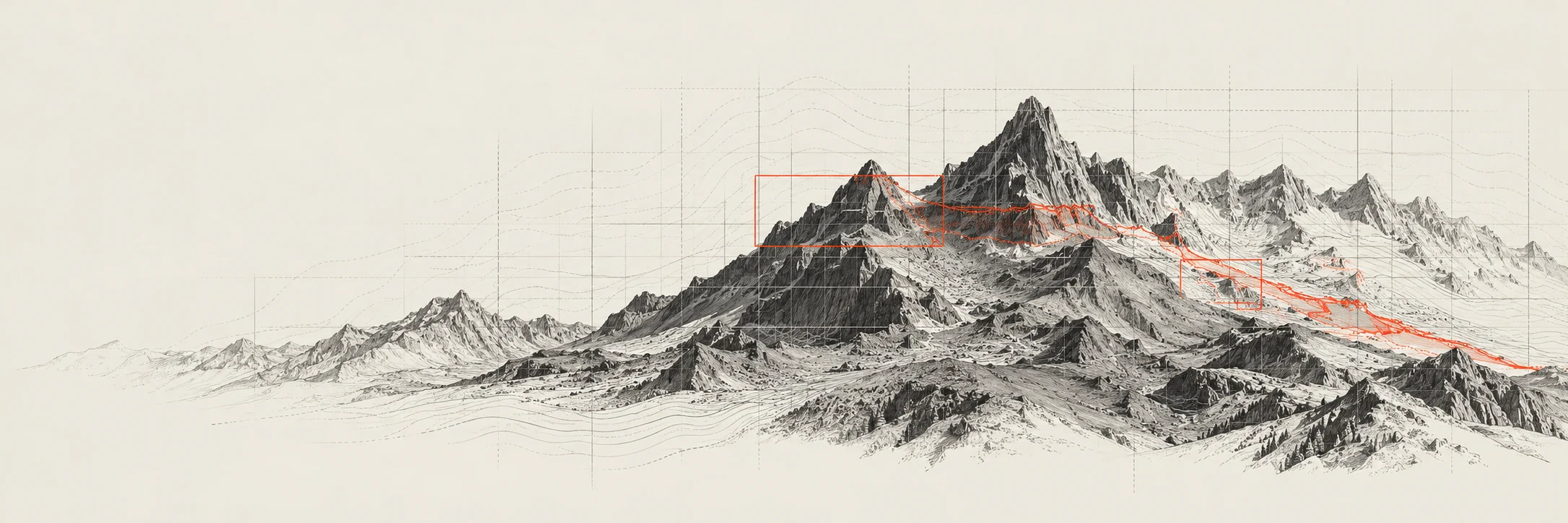
Topographic survey with a red path: observe and connect open sources.

OPEN SOURCE INTELLIGENCE

Open sources. A transparent method.

Tools, guides and resources for independent, rigorous and transparent analysis.

GEOINT Tools

Analyze places, images and geographic data to reconstruct contexts.

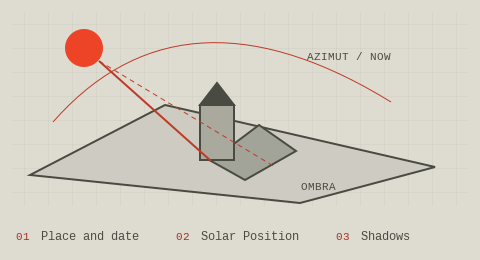
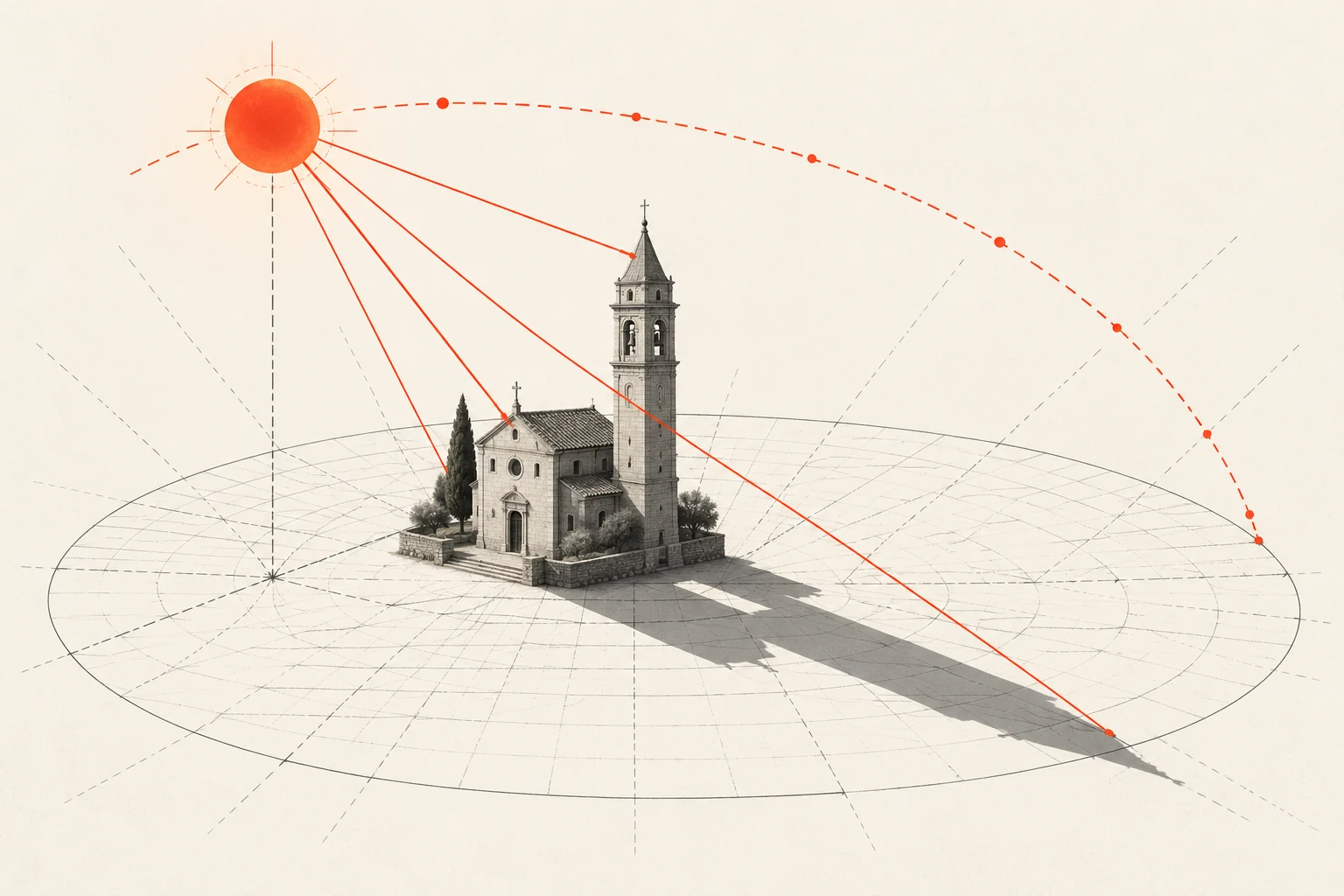
SunCalc: Place and date  Azimut and height  Shadow direction. Conceptual illustration.
Method Illustration002
01 Place and date02 Azimut and height03 Shadow Direction
☀️
SunCalc
suncalc.org
Calculate the position of the Sun and direction of shadows for a place, date and time.

Page reachableChecked 26.10.2026

GEOINT VERIFY
Open
Method, result and limitsSunCalc technical diagram
Entrance
Place and date
Operation
Azimuth and elevation
Result
Shadow Direction

To be consideredCompare time zone, scene orientation and object geometry; do not automatically date a photo.

See the linked resource

Reachable links control 26.10.2026. The reachability of the page does not verify reserved functions, credits or subscriptions.

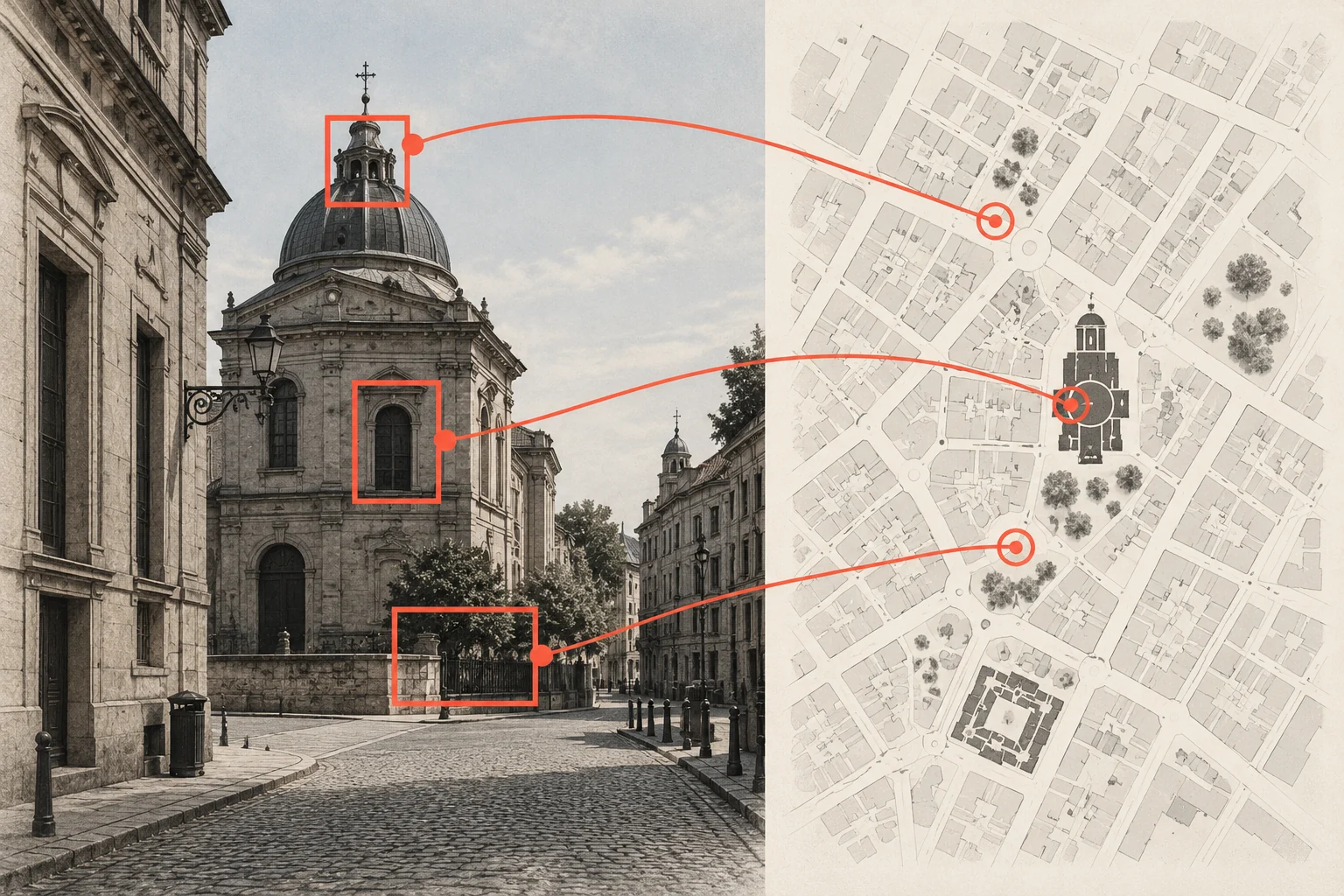
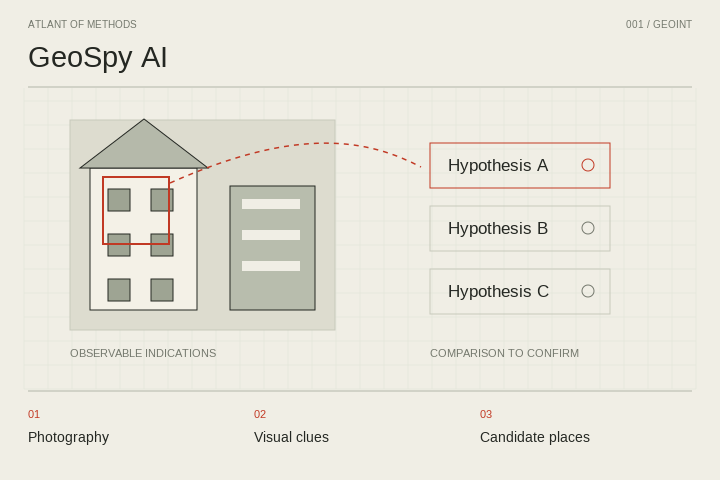
GeoSpy AI: Photography  Visual clues  Candidate places. Conceptual illustration.
Method Illustration001
01 Photography02 Visual clues03 Candidate places
🌍
GeoSpy AI
geospy.ai
It proposes localization hypotheses from visual clues present in a photograph, even without EXIF.

Page reachableChecked 26.10.2026

AI GEOINT
Open
Method, result and limitsTechnical diagram of GeoSpy AI
Entrance
Photography
Operation
Visual clues
Result
Candidate places

To be consideredThe estimate requires independent corroborating evidence; availability and access depend on the service.

See the linked resource

Reachable links control 26.10.2026. The reachability of the page does not verify reserved functions, credits or subscriptions.

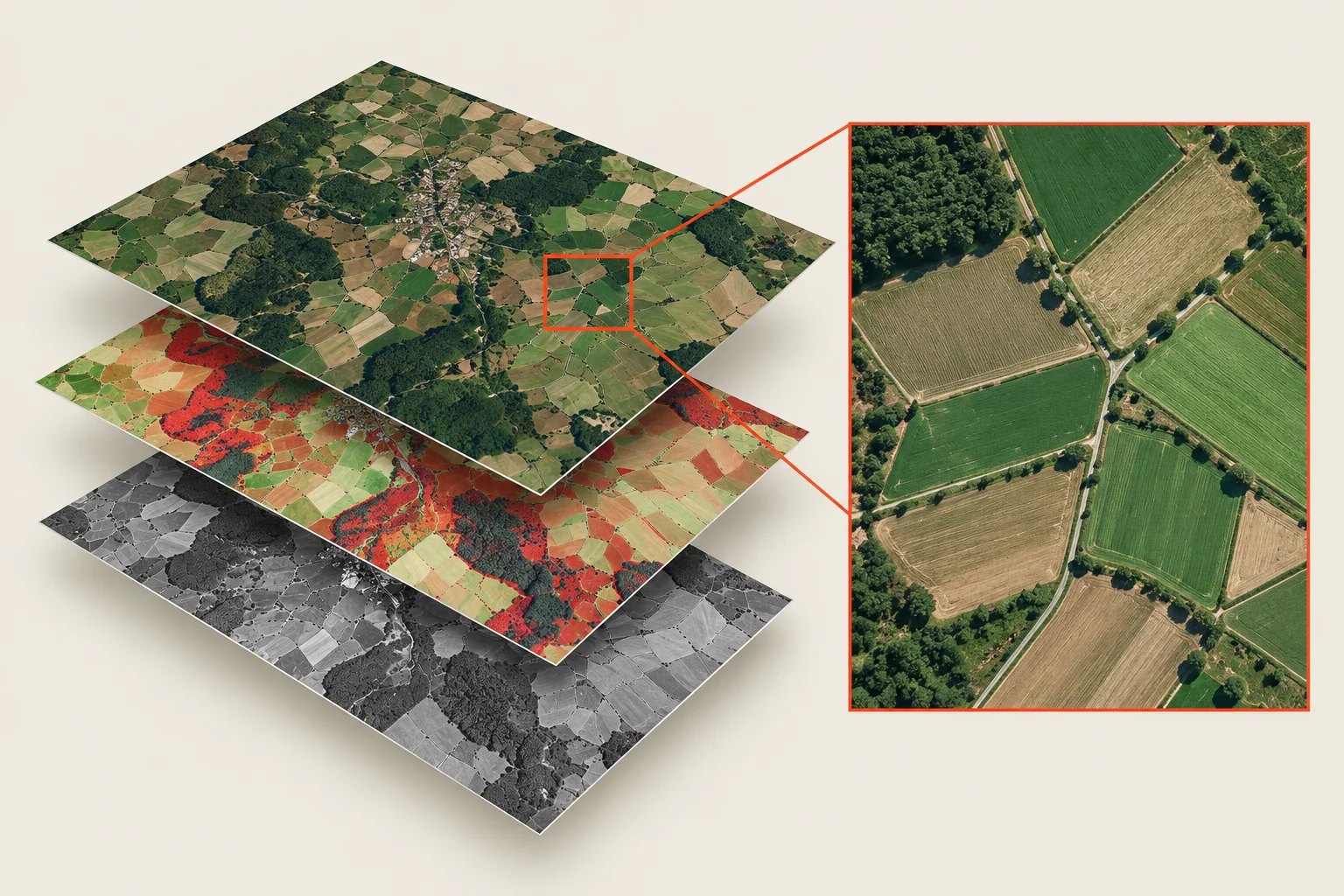
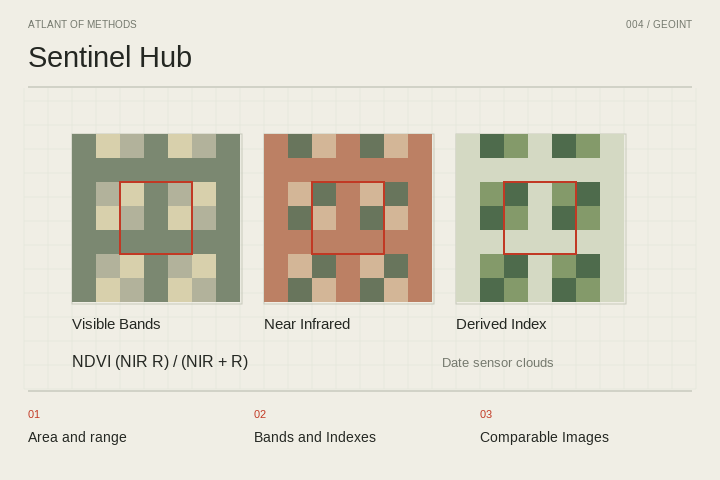
Sentinel Hub: Area and range  Bands and indexes  Comparable images. Conceptual illustration.
Method Illustration004
01 Area and Interval02 Bands and Indexes03 Comparable Images
🛰️
Sentinel Hub
sentinel-hub.com
Explore satellite data, bands and indices to compare an area in different acquisitions.

Page reachableChecked 26.10.2026

SATELLITE
Open
Method, result and limitsTechnical diagram of Sentinel Hub
Entrance
Area and range
Operation
Bands and Indexes
Result
Comparable Images

To be consideredCheck sensor, resolution, clouds and date of acquisition; processed colors are not natural photographs.

See the linked resource

Reachable links control 26.10.2026. The reachability of the page does not verify reserved functions, credits or subscriptions.

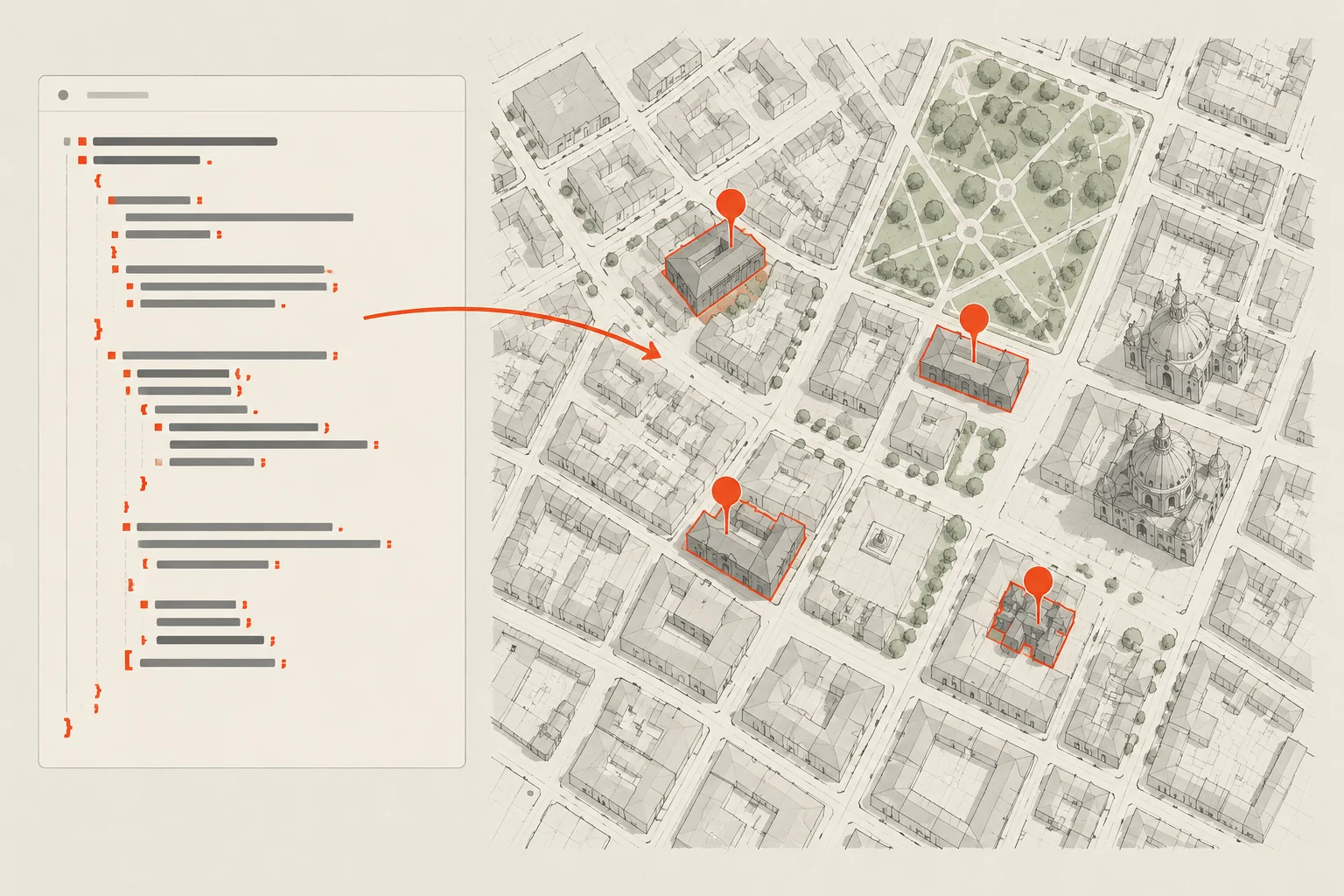
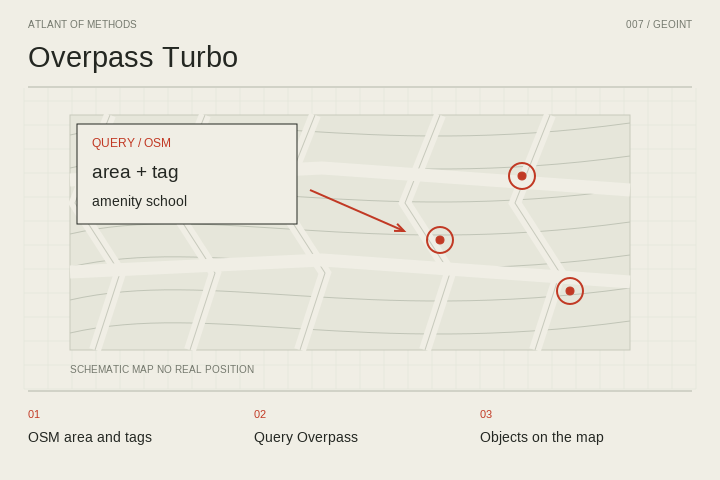
Overpass Turbo: Area and OSM tags  Query Overpass  Objects on the map. Conceptual illustration.
Method Illustration007
01 Area and OSM tags02 Query Overpass03 Objects on the map
🔎
Overpass Turbo
overpass-turbo.eu
Performs queries on OpenStreetMap data and displays the corresponding geographic objects.

Page reachableChecked 26.10.2026

OSM
Open
Method, result and limitsTechnical outline of Overpass Turbo
Entrance
OSM area and tags
Operation
Query Overpass
Result
Objects on the map

To be consideredThe result depends on the tag count, OSM coverage, and server limits.

See the linked resource

Reachable links control 26.10.2026. The reachability of the page does not verify reserved functions, credits or subscriptions.

Shadow Calculator: Position and Height  Solar Geometry  Expected Shadow. Conceptual Illustration.
Method Illustration003
01 Position and height02 Solar Geometry03 Shade planned
🌑
Shadow Calculator
shadowcalculator.eu
It models the position of the Sun and the shadow of an object under defined conditions.

Verify access requiredChecked 26.10.2026

GEOINT
Open
Method, result and limitsTechnical outline of Shadow Calculator
Entrance
Position and height
Operation
Solar Geometry
Result
Predicted shadow

To be consideredInclined terrain, perspective and unknown height introduce uncertainty.

See the linked resource

External access to be verified control 26.10.2026. The reachability of the page does not verify reserved functions, credits or subscriptions.

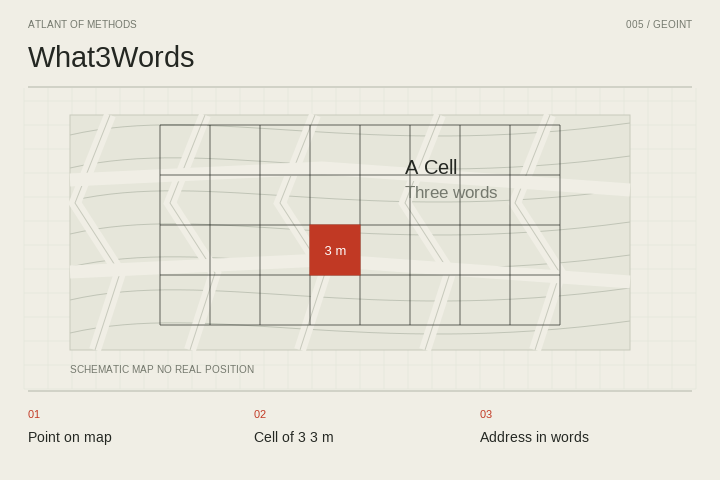
What3Words: Point on map  Cell of 3  3 m  Address in words. Conceptual illustration.
Method Illustration005
01 Point on map02 Cell of 3 3 m03 Address in words
📍
What3Words
what3words.com
Pair three words with a cell on the what3words grid to communicate a location.

Page reachableChecked 26.10.2026

LOCATION
Open
Method, result and limitsTechnical outline of What3Words
Entrance
Point on map
Operation
Cell of 3 3 m
Result
Address in words

To be consideredProprietary system: Check language and location on the map before sharing the reference.

See the linked resource

Reachable links control 26.10.2026. The reachability of the page does not verify reserved functions, credits or subscriptions.

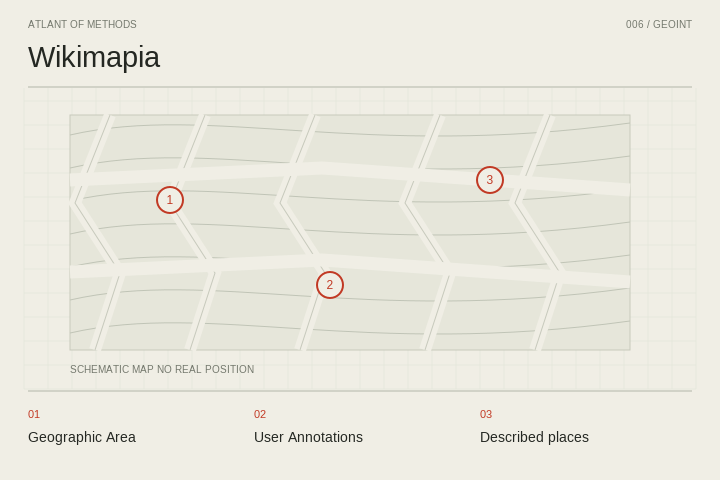
Wikimapia: Geographic area  User annotations  Places described. Conceptual illustration.
Method Illustration006
01 Geographical area02 User Annotations03 Places described
🗺️
Wikimapia
wikimapia.org
Consult places and descriptions placed by the community on a collaborative map.

Page reachableChecked 26.10.2026

CROWDSOURCE
Open
Method, result and limitsTechnical outline of Wikimapia
Entrance
Geographic Area
Operation
User Annotations
Result
Described places

To be consideredContributions may be incomplete or inaccurate; compare them with cartography and independent sources.

See the linked resource

Reachable links control 26.10.2026. The reachability of the page does not verify reserved functions, credits or subscriptions.

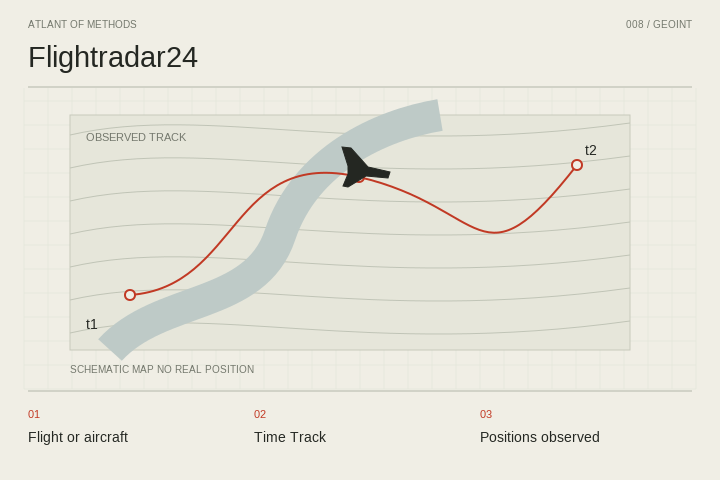
Flightradar24: Flight or aircraft  Time track  Observed positions. Conceptual illustration.
Method Illustration008
01 Flight or aircraft02 Time Track03 Positions observed
✈️
Flightradar24
flightradar24.com
See locations and flight information available on the Flightradar24 network.

Page reachableChecked 26.10.2026

AVIATION
Open
Method, result and limitsTechnical outline of Flightradar24
Entrance
Flight or aircraft
Operation
Time Track
Result
Positions observed

To be consideredCoverage, delays, historical data and available functions vary by area and plan.

See the linked resource

Reachable links control 26.10.2026. The reachability of the page does not verify reserved functions, credits or subscriptions.

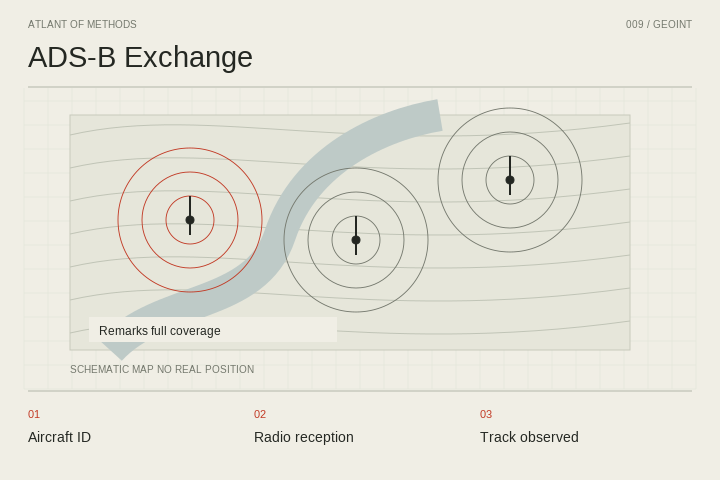
ADS-B Exchange: Aircraft ID  Radio reception  Track observed. Conceptual illustration.
Method Illustration009
01 Aircraft ID02 Radio reception03 Track observed
📡
ADS-B Exchange
adsbexchange.com
It displays aeronautical data received from the ADS-B Exchange network.

Page reachableChecked 26.10.2026

AVIATION
Open
Method, result and limitsTechnical outline of ADS-B Exchange
Entrance
Aircraft ID
Operation
Radio reception
Result
Track observed

To be consideredNot all aircraft transmit admissible data; absence from the map does not mean absence in flight.

See the linked resource

Reachable links control 26.10.2026. The reachability of the page does not verify reserved functions, credits or subscriptions.

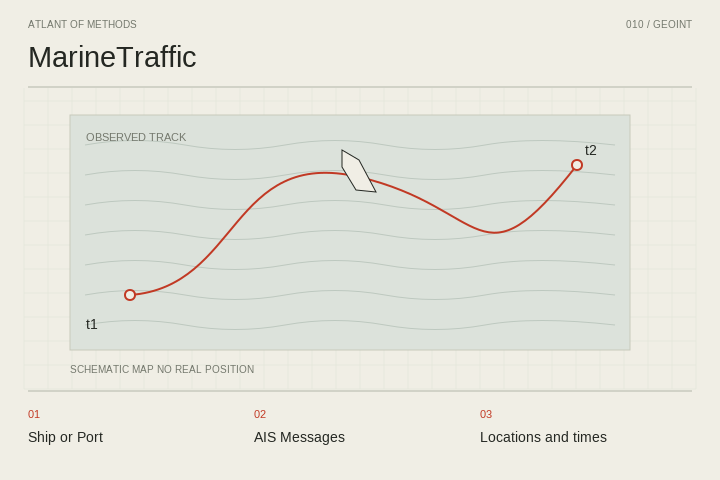
MarineTraffic: Ship or port  AIS messages  Locations and times. Conceptual illustration.
Method Illustration010
01 Ship or Port02 AIS Messages03 Locations and times
🚢
MarineTraffic
marinetraffic.com
See AIS locations, ship information and available movement data.

Page reachableChecked 26.10.2026

MARITIME
Open
Method, result and limitsTechnical diagram of MarineTraffic
Entrance
Ship or Port
Operation
AIS Messages
Result
Locations and times

To be consideredPositions can be dated or incomplete; check the last message and coverage.

See the linked resource

Reachable links control 26.10.2026. The reachability of the page does not verify reserved functions, credits or subscriptions.

Liveuamap: Place and period  Geolocated news  Events to be verified. Conceptual illustration.
Method Illustration011
01 Place and period02 Geolocalized news03 Events to check
⚠️
Liveuamap
liveuamap.com
It collects geolocated events and news with references to the sources used.

Verify access requiredChecked 26.10.2026

CRISIS
Open
Method, result and limitsTechnical outline of Liveuamap
Entrance
Place and period
Operation
Geolocalized News
Result
Events to check

To be consideredA point on the map represents a signal, not an independent verification of the event.

See the linked resource

External access to be verified control 26.10.2026. The reachability of the page does not verify reserved functions, credits or subscriptions.

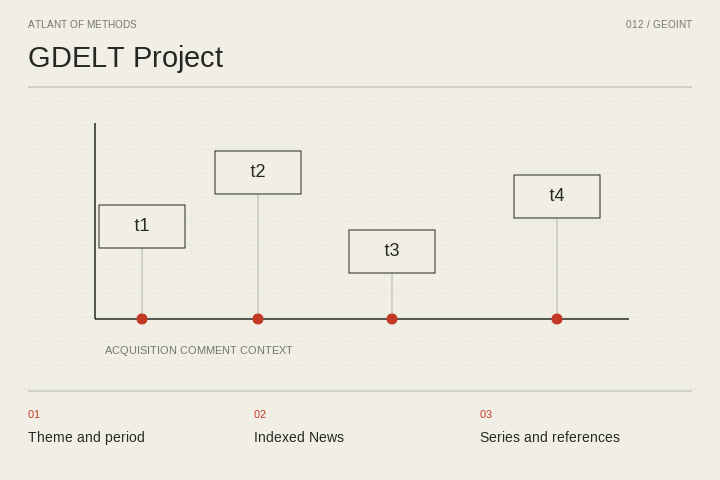
GDELT Project: Theme and period  Indexed news  Series and references. Conceptual illustration.
Method Illustration012
01 Theme and period02 Indexed News03 Series and references
📰
GDELT Project
gdeltproject.org
Explore news and events indexed by the GDELT project for time and geographic analysis.

Page reachableChecked 26.10.2026

EVENTS
Open
Method, result and limitsGDELT Project Technical Diagram
Entrance
Theme and period
Operation
Indexed News
Result
Series and references

To be consideredAutomatic coding, media coverage and duplications affect the results.

See the linked resource

Reachable links control 26.10.2026. The reachability of the page does not verify reserved functions, credits or subscriptions.

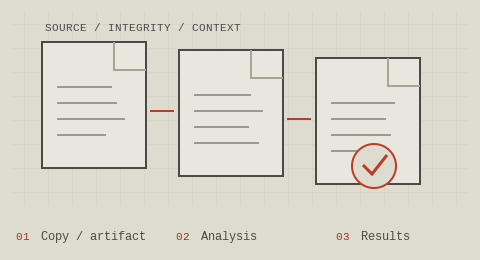
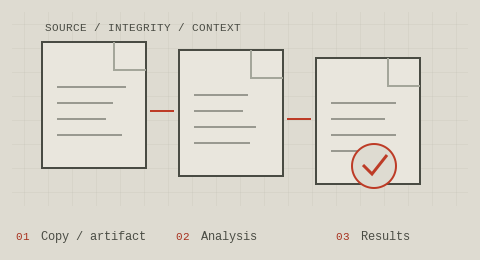
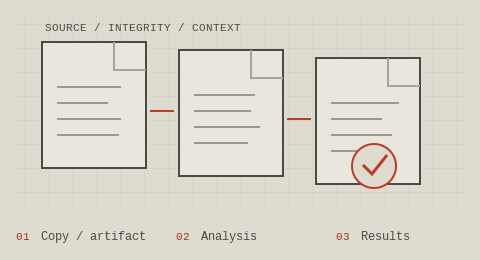
InVIDWeVerify: Image or video  Frames and corroborating evidence  Documented hypothesis
Frames and corroborating evidence
InVID–WeVerify

It supports the examination of images and videos with frames, metadata and comparisons between sources. Useful for structuring visual verification.

Forensic component test completed 27.10.2026
What has been verified

Loading the sample in the official Image Verification Assistant component, opening the original comparison/ELA and reading metadata. Size and three correct EXIF fields; 13 forensic maps and 4 available mergers. The ELA comparison was opened and observed in the browser.

Official SourceSample, result and limits
Access and free availability

Free basic tools. Some advanced features require registration and specific requirements indicated by the project.

Open
Method, result and limits

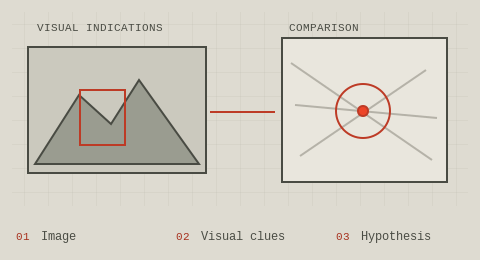
Image or video Frames and corroborating evidence Documented hypothesis

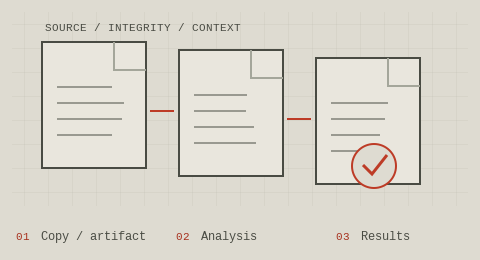
The built-in component in InVID-WeVerify has been tested, via its standalone service. No extension installation, video, reverse search and reserved services have been tested. A detector's scores do not prove the truth or falsehood of an event.
Coordinates Converter
Visual Guide Indicative tool diagram  Coordinates Converter

Enter the requested data and choose the action. Search buttons open external services; conversions and calculations are performed in the browser.

Photo AI Geolocation
Visual Guide Indicative instrument diagram  Photo AI Geolocation

Enter the requested data and choose the action. Search buttons open external services; conversions and calculations are performed in the browser.

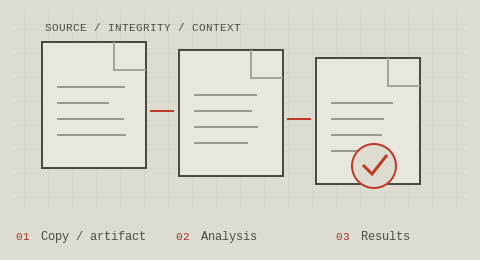
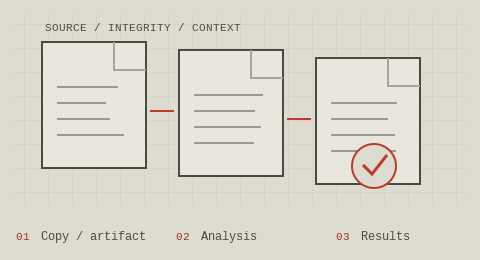
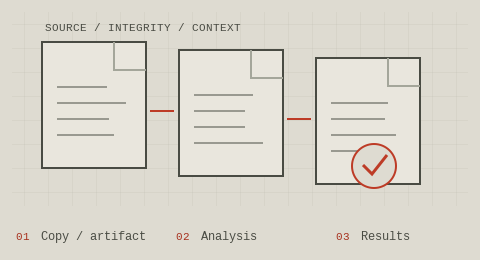
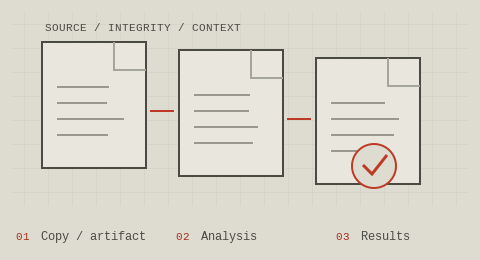
Shadow Analysis
Shadow Analysis
Visual Guide Indicative instrument diagram  Shadow Analysis

Enter the requested data and choose the action. Search buttons open external services; conversions and calculations are performed in the browser.

Tabs are loaded when you open this area.

AI tools and visual research

Compare clues, patterns and results: each hypothesis requires corroborating evidence.

Face Search Multi
Face Search Multi
Visual Guide Indicative tool diagram  Face Search Multi

Enter the requested data and choose the action. Search buttons open external services; conversions and calculations are performed in the browser.

Email Lookup Multi
Email Lookup Multi
Visual Guide Indicative diagram of the tool  Email Lookup Multi

Enter the requested data and choose the action. Search buttons open external services; conversions and calculations are performed in the browser.

Phone Lookup
Phone Lookup
Visual Guide Indicative instrument diagram  Phone Lookup

Enter the requested data and choose the action. Search buttons open external services; conversions and calculations are performed in the browser.

Tabs are loaded when you open this area.

Blockchain Tools

Follow transactions and relationships, verifying network, timing and provenance.

Wallet Tracer
Wallet Tracer
Visual Guide Indicative instrument diagram  Wallet Tracer

Enter the requested data and choose the action. Search buttons open external services; conversions and calculations are performed in the browser.

TX Analyzer
TX Analyzer
Visual Guide Indicative instrument diagram  TX Analyzer

Enter the requested data and choose the action. Search buttons open external services; conversions and calculations are performed in the browser.

Scam Check
Scam Check
Visual Guide Indicative instrument diagram  Scam Check

Enter the requested data and choose the action. Search buttons open external services; conversions and calculations are performed in the browser.

Tabs are loaded when you open this area.

Dark Intel Tools

Consult sources and indicators in the permitted scope.

Breach Check Multi
Breach Check Multi
Visual Guide Indicative instrument diagram  Breach Check Multi

Enter the requested data and choose the action. Search buttons open external services; conversions and calculations are performed in the browser.

Telegram Search
Telegram Search
Visual Guide Indicative diagram of the tool  Telegram Search

Enter the requested data and choose the action. Search buttons open external services; conversions and calculations are performed in the browser.

Tabs are loaded when you open this area.

SOCMINT Tools

It examines public content and identities with attention to context.

Username Multi-Check
Visual Guide Indicative tool diagram  Username Multi-Check

Enter the requested data and choose the action. Search buttons open external services; conversions and calculations are performed in the browser.

Instagram Lookup
Instagram Lookup
Visual Guide Indicative tool diagram  Instagram Lookup

Enter the requested data and choose the action. Search buttons open external services; conversions and calculations are performed in the browser.

Facebook ID Lookup
Facebook ID Lookup
Visual Guide Indicative tool diagram  Facebook ID Lookup

Enter the requested data and choose the action. Search buttons open external services; conversions and calculations are performed in the browser.

WhatsApp Check
WhatsApp Check
Visual Guide Indicative tool diagram  WhatsApp Check

Enter the requested data and choose the action. Search buttons open external services; conversions and calculations are performed in the browser.

Tabs are loaded when you open this area.

OSINT Tools

Sources and methods for linking verifiable information.

Domain Pivot
Domain Pivot
Visual Guide Indicative instrument diagram  Domain Pivot

Enter the requested data and choose the action. Search buttons open external services; conversions and calculations are performed in the browser.

Reverse Image Multi
Reverse Image Multi
Visual Guide Indicative tool diagram  Reverse Image Multi

Enter the requested data and choose the action. Search buttons open external services; conversions and calculations are performed in the browser.

Tabs are loaded when you open this area.

DFIR Tools

Facts, indicators and tools for incident analysis.

Hash Calculator
Hash Calculator
Visual Guide Indicative diagram of the tool  Hash Calculator

Enter the requested data and choose the action. Search buttons open external services; conversions and calculations are performed in the browser.

Base64
Base64
Visual Guide Indicative diagram of the instrument  Base64

Enter the requested data and choose the action. Search buttons open external services; conversions and calculations are performed in the browser.

Hash Lookup
Hash Lookup
Visual Guide Indicative instrument diagram  Hash Lookup

Enter the requested data and choose the action. Search buttons open external services; conversions and calculations are performed in the browser.

Tabs are loaded when you open this area.

Forensics Tools

Acquisition, integrity, analysis and preservation of evidence.

Archive URL
Archive URL
Visual Guide Indicative tool diagram  Archive URL

Enter the requested data and choose the action. Search buttons open external services; conversions and calculations are performed in the browser.

Calculate Hash File
Calculate Hash File
Visual Guide Indicative tool diagram  Calculate Hash File

Enter the requested data and choose the action. Search buttons open external services; conversions and calculations are performed in the browser.

EXIF Online
EXIF Online
Visual Guide Indicative instrument diagram  EXIF Online

Enter the requested data and choose the action. Search buttons open external services; conversions and calculations are performed in the browser.

Timestamp Hash
Timestamp Hash
Visual Guide Indicative instrument diagram  Timestamp Hash

Enter the requested data and choose the action. Search buttons open external services; conversions and calculations are performed in the browser.

Tabs are loaded when you open this area.

Pentesting Tools

Resources for technical verification within an authorized scope.

Reverse Shell Gen
Reverse shell configuration
Visual Guide Indicative instrument diagram  Reverse Shell Gen

Prepare parameters for the external configurator. No commands are executed and no placeholders are copied.

Quick Nmap
Quick Nmap
Visual Guide Indicative tool diagram  Quick Nmap

Enter the requested data and choose the action. Search buttons open external services; conversions and calculations are performed in the browser.

Hash Identifier
Hash Identifier
Visual Guide Indicative instrument diagram  Hash Identifier

Enter the requested data and choose the action. Search buttons open external services; conversions and calculations are performed in the browser.

Common Ports
Common Ports
21 FTP22 SSH 23 Telnet25 SMTP 53 DNS80 HTTP 110 POP3111 PRC 135 MSRPC139 NetBIOS 143 IMAP443 HTTPS 445 SMB993 IMAPS 995 POP3S1433 MSSQL 1521 Oracle3306 MySQL 3389 RDP5432 PostgreSQL 5985 WinRM8080 HTTP-Alt
Visual Guide Indicative instrument diagram  Common Ports

Enter the requested data and choose the action. Search buttons open external services; conversions and calculations are performed in the browser.

Tabs are loaded when you open this area.

CVE tools and vulnerabilities

Compare original alerts, products, versions and remedies.

CVE Quick Search
CVE Quick Search
Visual Guide Indicative tool diagram  CVE Quick Search

Enter the requested data and choose the action. Search buttons open external services; conversions and calculations are performed in the browser.

CVSS Quick Ref
CVSS Quick Ref
9.0-10.0 CRITICAL
7.0-8.9 HIGH
4.0-6.9 MEDIUM
0.1-3.9 LOW
0.0 NONE
Visual Guide Indicative instrument diagram  CVSS Quick Ref

Enter the requested data and choose the action. Search buttons open external services; conversions and calculations are performed in the browser.

Trending CVEs
Trending CVEs
Visual Guide Indicative instrument diagram  Trending CVEs

Enter the requested data and choose the action. Search buttons open external services; conversions and calculations are performed in the browser.

Quick Links
Quick Links
Visual Guide Indicative instrument diagram  Quick Links

Enter the requested data and choose the action. Search buttons open external services; conversions and calculations are performed in the browser.

Tabs are loaded when you open this area.

Tools Italian Sources

Records, cartography and institutional sources.

Italian VAT verification
Visual Guide Indicative diagram of the instrument  Italian VAT verification

Enter the requested data and choose the action. Search buttons open external services; conversions and calculations are performed in the browser.

Search PEC
Search PEC
Visual Guide Indicative instrument diagram  Search PEC

Enter the requested data and choose the action. Search buttons open external services; conversions and calculations are performed in the browser.

Search BTS Cells
Cells BTS parameters
Enter cell identifiers. No location is calculated locally.
Visual Guide Indicative diagram of the tool  Search BTS Cells

Validate cell identifiers. Geolocation requires external data: this panel does not calculate coordinates.

WiFi Lookup
WiFi Lookup
Visual Guide Indicative instrument diagram  WiFi Lookup

Enter the requested data and choose the action. Search buttons open external services; conversions and calculations are performed in the browser.

Tax Code
Tax Code
Visual Guide Indicative diagram of the instrument  Fiscal Code

Enter the requested data and choose the action. Search buttons open external services; conversions and calculations are performed in the browser.

Tabs are loaded when you open this area.

Instruments Laboratories and machines

Platforms, practical routes and walkthroughs.

HackTheBox - Linux Machines (21)
HackTheBox - Windows Machines (15)
HackTheBox - Active Directory (14)
HackTheBox - Post OSCP Challenge (16)
HackTheBox - ProLabs (4)
Proving Grounds Practice - Linux (36)
Proving Grounds Practice - Windows (18)
Proving Grounds Practice - Active Directory (7)
Proving Grounds Practice - Post OSCP (12)
Proving Grounds Play - Free Machines (19)
Vulnlab - Linux Machines (6)
Vulnlab - Windows Machines (6)
Vulnlab - Active Directory (6)
Vulnlab - Chain Machines (4)
Vulnlab - Post OSCP (5)
Quick Walkthrough Search
Visual Guide Indicative tool diagram  Quick Walkthrough Search

Enter the requested data and choose the action. Search buttons open external services; conversions and calculations are performed in the browser.

Machine Stats
Machine Stats
📦 HTB: 66 machines
🎯 PG Practice: 71 machines
🎮 PG Play: 19 machines
🔬 Vulnlab: 27 machines
Total: 183 machines
Visual Guide Indicative instrument diagram  Machine Stats

Enter the requested data and choose the action. Search buttons open external services; conversions and calculations are performed in the browser.

OSCP Resources
OSCP Resources
Visual Guide Indicative tool diagram  OSCP Resources

Enter the requested data and choose the action. Search buttons open external services; conversions and calculations are performed in the browser.

Lab Access
Lab Access
Visual Guide Indicative Tool Diagram  Lab Access

Enter the requested data and choose the action. Search buttons open external services; conversions and calculations are performed in the browser.

Tools Local Toolkit

Conversions, calculations and tools that remain in the browser.

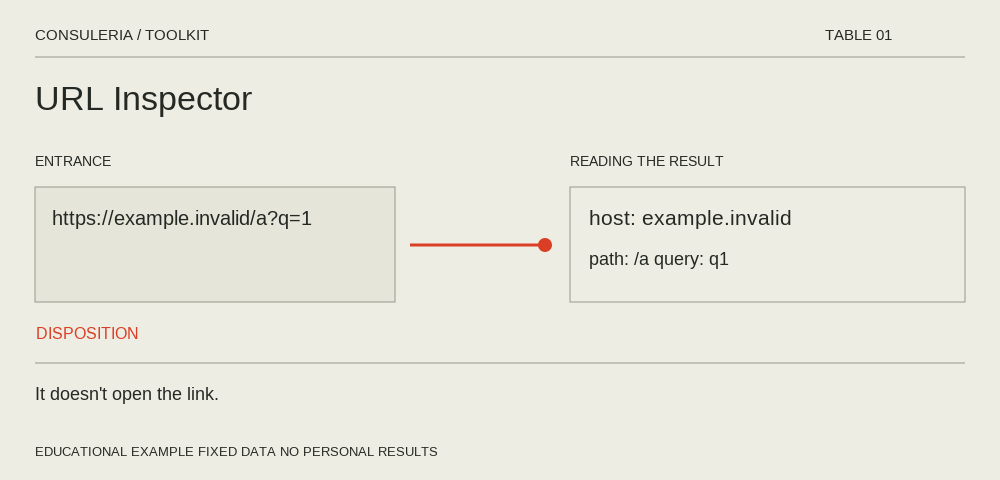
URL Inspector

Conceptual illustration: URL Inspector

Read host, path and parameters without opening the link.

Visual Guide URL Inspector. https://example.invalid/a?q1  host: example.invalid. Does not open the link.

Signature File

Conceptual illustration: Signature File

Recognize the initial bytes of a file. No upload to server.

Visual Guide Signature file. Local file  89 50 4E 47. Signature alone does not certify the file.

Hash Compare

Conceptual illustration: Hash Compare

Compare two MD5, SHA-1, SHA-256 or SHA-512 footprints.

Visual Guide Hash Compare. Imprint A / Imprint B  Same algorithm. Does not prove authenticity or provenance.
IOC Extractor & Normalizer
Conceptual illustration: IOC Extractor
Visual Guide IOC Extractor. https://example.invalid  Candidate domain. Candidate to verify, not malevolent indicator.

Enter the requested data and choose the action. Search buttons open external services; conversions and calculations are performed in the browser.

Timestamp Converter
Conceptual illustration: Timestamp Converter
Visual Guide Timestamp Converter. 0 seconds Unix  1970-01-01. Distinguish seconds and milliseconds.

Enter the requested data and choose the action. Search buttons open external services; conversions and calculations are performed in the browser.

Google Dork Builder
Conceptual illustration: Google Dork Builder
Visual Guide Google Dork Builder. example.invalid  site:example.invalid. The button opens an external engine.

Enter the requested data and choose the action. Search buttons open external services; conversions and calculations are performed in the browser.

CVE Lookup
Conceptual illustration: CVE Lookup
Visual Guide CVE Lookup. CVE-2021-44228  CVE ID. A record does not demonstrate impact on your system.

Enter the requested data and choose the action. Search buttons open external services; conversions and calculations are performed in the browser.

JWT Decoder
Conceptual illustration: JWT Decoder
Visual Guide JWT Decoder. header.payload.signature  Header + payload. Reading the token does not mean validating it.

Enter the requested data and choose the action. Search buttons open external services; conversions and calculations are performed in the browser.

IP/Domain Multi-Lookup
Conceptual illustration: IP / Domain Lookup
Visual Guide IP / Domain Lookup. 192.0.2.1  Selected Services. IP reserved for documentation.

Enter the requested data and choose the action. Search buttons open external services; conversions and calculations are performed in the browser.

Password Strength
Conceptual illustration: Password Strength
Visual Guide Password Strength. Fictional sample  Observed patterns. An estimate does not guarantee resistance to attacks.

Enter the requested data and choose the action. Search buttons open external services; conversions and calculations are performed in the browser.

CIDR Calculator
Conceptual illustration: CIDR Calculator
Visual Guide CIDR Calculator. 192.0.2.57/24  192.0.2.0. Sample range reserved for documentation.

Enter the requested data and choose the action. Search buttons open external services; conversions and calculations are performed in the browser.

User Agent Parser
Conceptual illustration: User Agent Parser
Visual Guide User Agent Parser. String User-Agent  Browser declared. The value can be altered by the client.

Enter the requested data and choose the action. Search buttons open external services; conversions and calculations are performed in the browser.

Multi-Hash Calculator
Conceptual illustration: Multi-Hash Calculator
Visual Guide Multi-Hash Calculator. UTF-8 text  MD5 / SHA-1. Different algorithms produce different hashes.

Enter the requested data and choose the action. Search buttons open external services; conversions and calculations are performed in the browser.

Password Generator Pro
Conceptual illustration: Password Generator
characters
Visual Guide Password Generator. Length + options  New string. It is not a default site password.

Enter the requested data and choose the action. Search buttons open external services; conversions and calculations are performed in the browser.

MD5 Quick Hash
Conceptual illustration: MD5 Quick Hash
Visual Guide MD5 Quick Hash. abc  900150983cd24fb0. Digest illustrated on two lines. MD5 is not collision-resistant.

Enter the requested data and choose the action. Search buttons open external services; conversions and calculations are performed in the browser.

File Hash Calculator
Conceptual illustration: File Hash Calculator
Visual Guide Hash Calculator file. Local file byte  Content hashes. Name and path do not replace the content.

Enter the requested data and choose the action. Search buttons open external services; conversions and calculations are performed in the browser.

Remote Support Tools
Conceptual illustration: Remote Support Tools
Visual Guide Remote Support Tools. Need for assistance  Official link. The catalog does not start a remote session.

Enter the requested data and choose the action. Search buttons open external services; conversions and calculations are performed in the browser.

Quick Remote Session
Conceptual illustration: Quick Remote Session

Start quick session (requires client installed on remote PC)

Visual Guide Quick Remote Session. Session ID  Destination chosen. The recipient controls the granting of access.

Enter the requested data and choose the action. Search buttons open external services; conversions and calculations are performed in the browser.

Screen Share (Browser)
Conceptual illustration: Screen Share
Visual Guide Screen Share. Screen or window  Local Preview. Screen selection requires user consent.

Enter the requested data and choose the action. Search buttons open external services; conversions and calculations are performed in the browser.

Vulnerability priorities

Severity, probability, context.

Consult EPSS and CISA KEV. The search only sends the CVE identifier to public sources via the website.

Training and working tools

Continue with a dedicated route.

Your workspace

Selected tools and notes are stored on this browser. Export a copy to take them with you.

457 boards 13 areas 60 panels. Reserved functions depend on the supplier. Verification Register